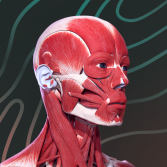
3D anatomy
for interactive displays
Make human anatomy clear for the whole class. Detailed male and female models, ready-to-use scenes, and Russian or English content — on a large screen.
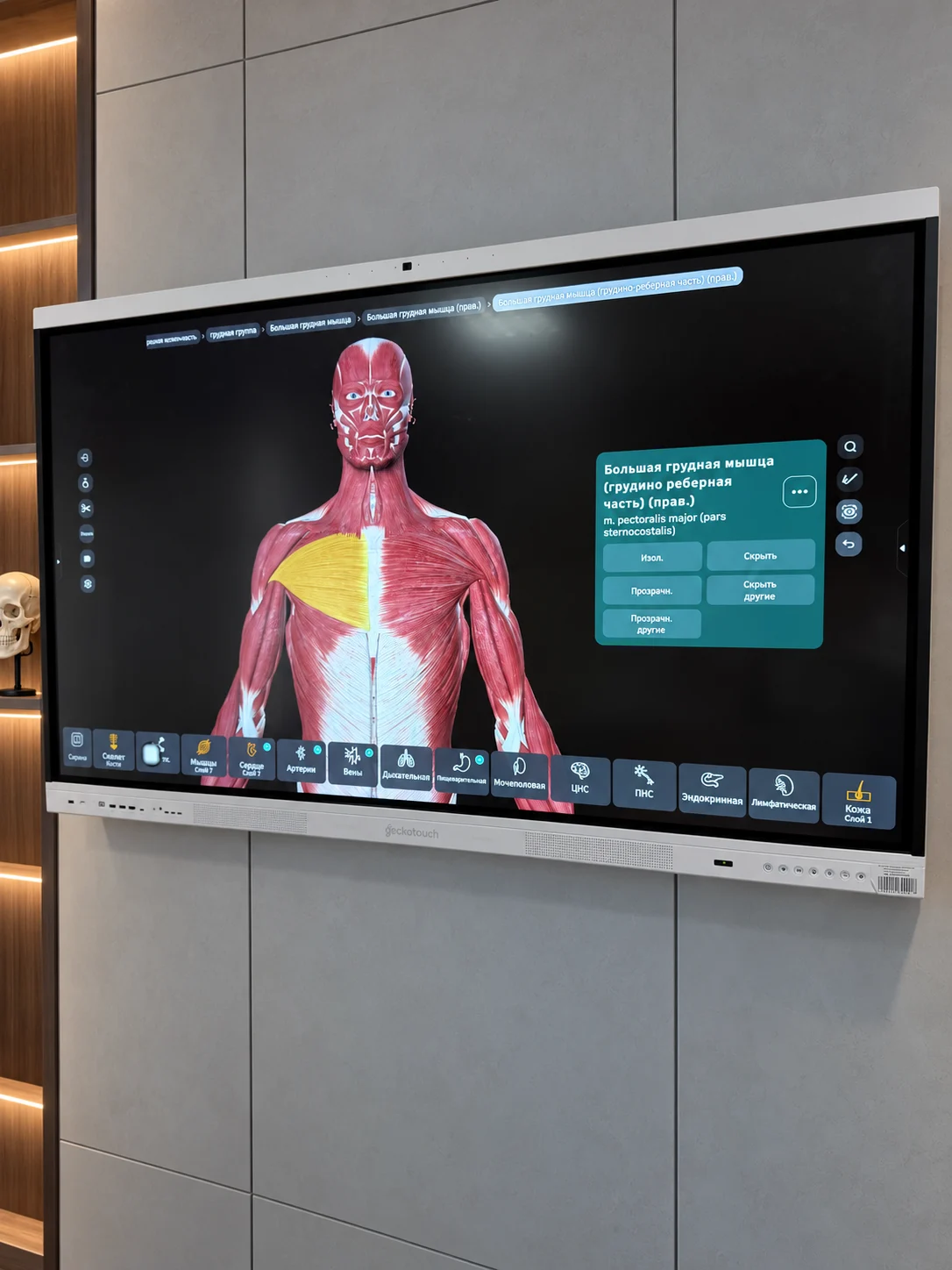
From the whole body
to a single structure.
Focus the class on what matters.
Choose exactly what to show next.
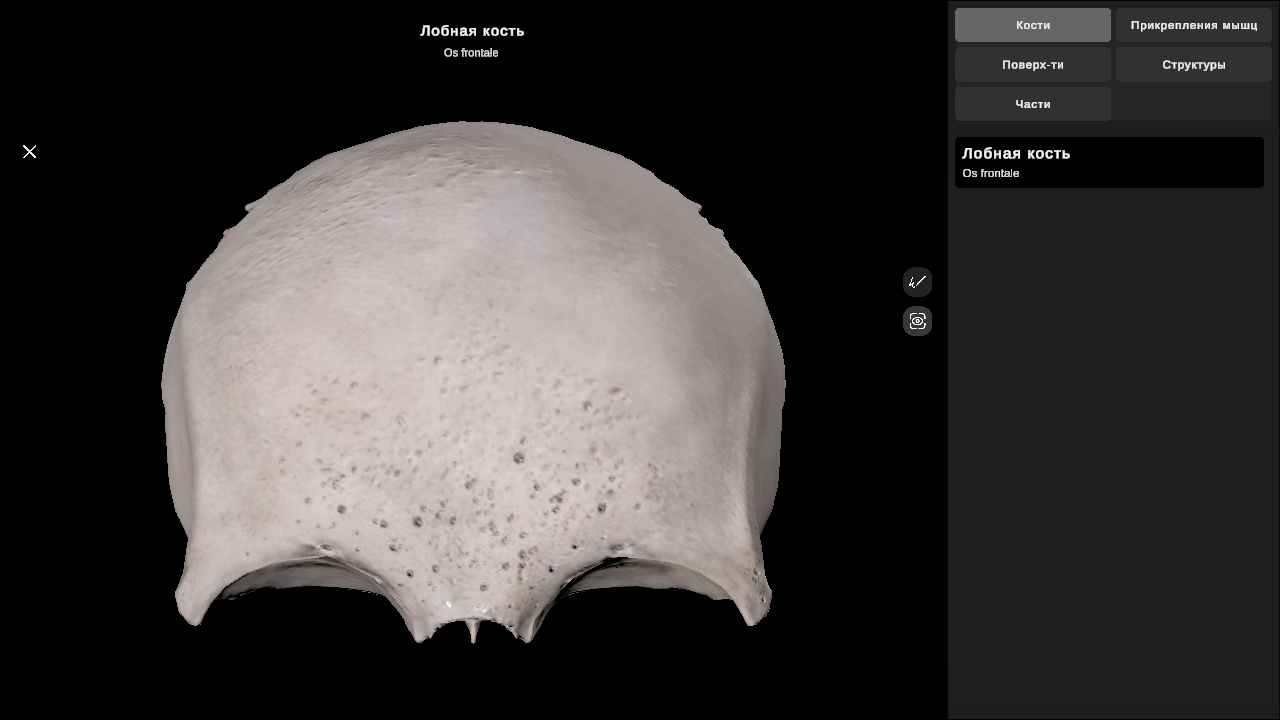
Explore from every angle
Rotate the model, zoom in on details, and change the view directly on the touchscreen.
Show only what you need
Isolate a bone, muscle, or organ. Hide surrounding structures and explore their spatial relationships.
Find it. Explain it.
Search takes you straight to a structure. Russian or English names are accompanied by Latin anatomical terms.
Choose your topic.
The scene is ready.
Over 200 ready-to-use scenes organized
by organ system and body region.
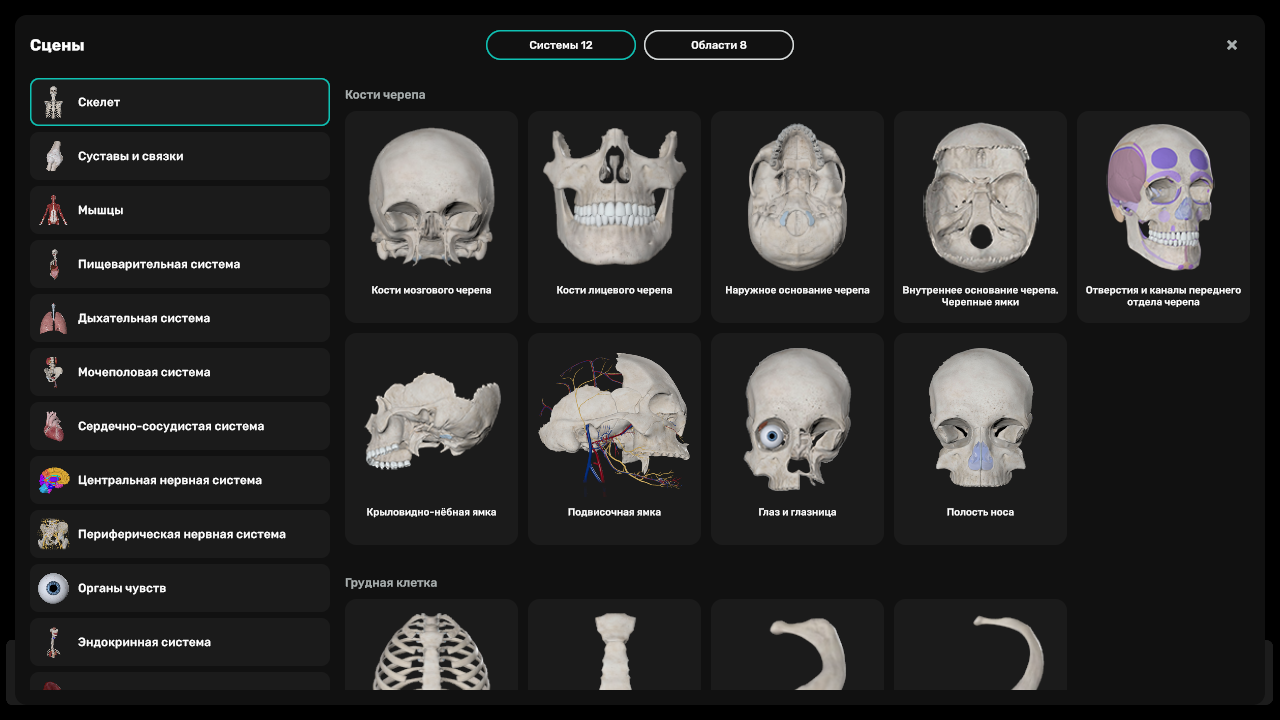
From the skeleton to the nervous system
Bones, muscles, blood vessels, internal organs, and more — all in one atlas.
Teach in Russian or English
Choose Russian or English in the atlas settings. The interface, structure names, and search all switch together.
Install once.
Teach again and again.
We help your university prepare its displays
and test the atlas in your classroom.
- 1
Plan the pilot
We discuss your display models, number of classrooms, and teaching needs, then put together a pilot proposal.
- 2
Get portal access
A university staff member downloads the installer and obtains an activation code through the secure portal.
- 3
Activate the displays
Internet access is required for the download and initial activation. Google Play and student accounts are not needed.
- 4
Start teaching
Once activated, the atlas works offline until the access period ends. Internet is needed for updates and renewals.
Manage your displays
and access.
Find the installer, activation codes, connected displays, and access expiry date in one place. Access covers the agreed number of devices.
Read the instructions (in Russian)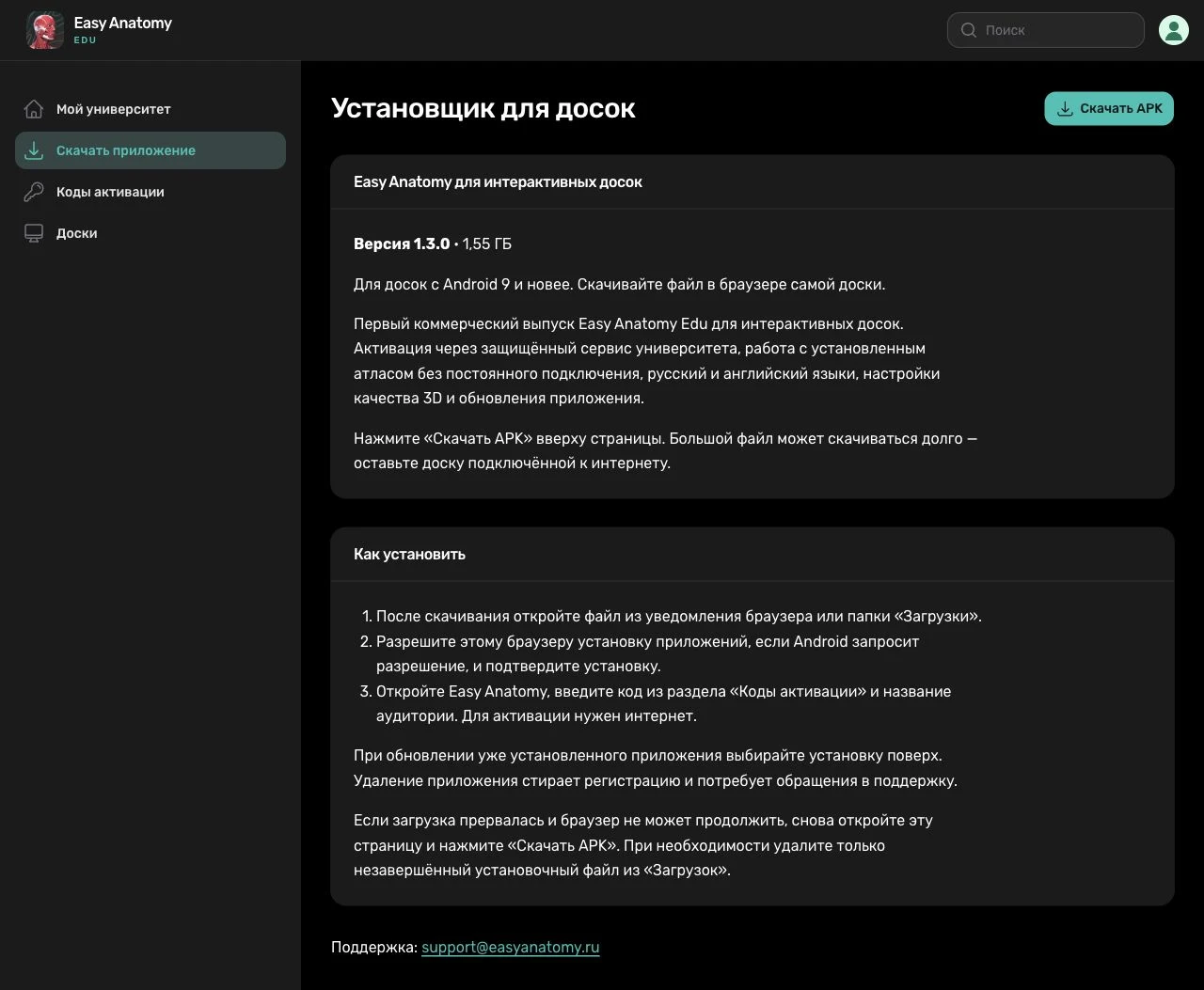
Frequently asked questions
For technical details, see
the product documentation (in Russian).
Will it work on our interactive display?
The app is designed for Android 9 or later on an ARM processor. Your administrator must allow APK installation. Performance depends on the hardware, so we test your display model before rollout. You can adjust 3D quality in the settings.
Does every class need an internet connection?
No. Internet is needed for the download, initial activation, updates, and access renewal. Once activated, the atlas works offline for the granted access period. Keep the device date and time correct: suspected clock changes may require an online check.
How is the app updated?
When online, the app checks for available updates. A university staff member confirms installation of the new version. Update the existing app without uninstalling it to keep its activation.
Can we teach in English?
Yes. In the atlas settings, you can switch the interface, structure names, and search to English. Latin anatomical terms are also included. The atlas itself is currently available in Russian and English.
What are the pilot terms and costs?
Send a request below. We will discuss the number of displays, access period, and your department’s needs, then send you the pilot terms and a quote.
Your next class.
A new dimension.
In 3D.
Tell us about your department.
We will discuss your needs, check display compatibility,
and prepare a proposal for your university.